Wired vs. Wireless Security Cameras
Wired or Wireless?
When we talk about wired versus wireless in-home security, it has little to do with whether a piece of equipment has physical wires attached to it. The terms wired and wireless refer to the communication signal that is transmitted from one piece of security equipment to another.
For a security system to execute its programmed commands, such as sending an alert to your cell phone, all of its components must be able to communicate with one another as well as you.
Communication signals can be transmitted using an analog or digital format. They are then routed through a wired connection, like a telephone or cable line, or by a wireless connection, like a mobile phone or laptop. The latter uses radio waves to send the transmission.
When it comes to security cameras, there are pros and cons to each type of transmission method.
Analog vs. Digital
Both analog and digital signals are used to transmit audio and video information. Analog technology is considered old-school and technically works by translating data into electrical pulses of varying amplitude. Digital signals, on the other hand, are a translation of information into binary format (zero or one) where each bit is representative of two distinct amplitudes.
For security cameras, the difference between analog and digital cameras (also called IP cameras) is the format in which the video signal is delivered—either pulses or bits.
Analog cameras have been the industry standard for decades. They are reliable, easy to install and operate, and they can achieve clear high-resolution video images. The technology is older, but you can still have a wireless system. Analog cameras can transmit their analog video signals wirelessly or through wired connections. However, wireless connections tend to have more interference in the transmission signal using this method.
Digital or IP cameras are more commonly chosen today because digital cameras offer incredibly high resolution. A higher resolution allows the camera to perform functions like facial recognition, license plate recognition, and digitally zooming distances of more than 100 feet. Digital video cameras are also more compatible with wireless technology and can be better suited for remote video surveillance needs.

Where Do the Camera Signals Go?
Once your analog or digital camera starts rolling, it must do something with the video and audio signals it records. An analog camera sends the signals to a Digital Video Recorder (DVR). The DVR records, processes, and stores all the data the camera recorded. The analog camera must be connected to the DVR by a coaxial cable. Depending on the model you purchase, the DVR can take the recordings and transmit them to a monitor for immediate viewing. You can watch these on your TV screen or your computer through a wired or wireless connection. It can even stream the footage to your smartphone, tablet, or laptop.
A digital or IP camera has everything needed to record, process, and store the video or audio data built into the unit itself. This eliminates the need to physically connect it to a DVR unit . The data from this camera is sent to wherever you’d like to view it via an NVR (a Network Video Recorder), which is just a piece of software, not a physical unit. This software creates a network, so the components of your security system can communicate with one another and ultimately transmit the signals to wherever you’d like them to go.
Powering Your Security Camera
Even if you are using a digital or IP security camera, which doesn’t have to be connected to a physical DVR, you must still find a way to power the system. There are many security cameras advertised as “wireless” that still need to be plugged in. For the camera to work, the system requires a cable to be plugged into an electrical outlet. Why is the camera called wireless if it still needs a wire? This is because the word wireless refers to how the camera transmits its video and audio data signals instead of how it gets its power.
This is especially important for outside security cameras because you need to consider the distance between the wireless security camera and its power source.
There are battery-powered wireless security cameras available on the market as well, which would give you a truly “wire-free” solution. However, it’s essential to consider the battery life of these security solutions in your overall security plan.

Performance of a Wireless Security Camera
As you can see, you can have a “wireless” security system using either an analog or digital (IP) camera, although most consumers today will likely choose digital.
Deciding to purchase a digital security camera is just the beginning of many decisions you must make to get the performance you truly want from your wireless security system.
For example, let’s say you want to install a camera to keep watch on your backyard at night. Wireless cameras are usually not great at night in low-light areas, so if you don’t have adequate lighting in the area you want to view, your video will likely be dark.
Another issue to consider: Do you have the necessary Internet bandwidth to support a wireless security system? How Your Internet Speed Affects Your Security System Wireless video is only as good as the stream, and if your wireless camera is high resolution, you could experience significant slowdowns during the transmission.
As you can see, designing an effective security system is not always as easy as the commercials on television make it seem. If you are interested in talking to a professional security company, FSS Technologies offers several affordable options for cameras, including cloud storage, phone app viewing, etc. Call us for a free evaluation.
Explore Our Other Blogs
Fire Systems for Commercial Properties
Commercial property management companies have portfolios varying in scale and specialty. Still, they all share the standard responsibility of understanding and implementing fire safety measures for their operations. Fires pose a significant but avoidable threat to your properties, occupants, and sources of revenue. While not all fires can be prevented, some can cause catastrophic damage…

Fire Systems for the Restaurant Industry
Companies in varying industries face fire hazards in their standard operations to a certain degree. Businesses that operate commercial kitchens, however, are at significant risk for fire-related hazards because cooking equipment is a leading cause of commercial fires. According to the U.S. Fire Administration, an estimated 50% of non-residential fires were caused by cooking in…
What to Do After a Break In
No one ever wants to be victimized by a burglar, but the fact is that many will encounter a theft or break-in at some point in their lifetime. A recent study by Bankrate shows that there are over 1 million burglaries in the United States each year, with a new burglary happening approximately every 26…
Commercial Fire Extinguisher Compliance Guide
Fire extinguishers are one of the most visible fire protection tools in a building, and they’re often the first line of defense when a fire starts. But having extinguishers installed throughout a structure is only part of the equation. If a unit is blocked, missing a safety pin, damaged, partially discharged, or overdue for servicing,…

Items Burglars Want Most
Burglars move quickly. Because they tend to spend as little as ten minutes inside a home or business, several big-ticket items tend to fall prey to thieves. While some items on our list come to mind instantly, some may be more subtle. Outside of installing a security system, taking extra steps to secure your items…
How Much Data Does a Wifi Security Camera Use?
Internet Speed Bandwidth Internet bandwidth is a significant issue nowadays. Everything is tapping into the internet— from our phones to our refrigerators. If you’re installing internet protocol (IP) security cameras, they will inevitably use some of the bandwidth from your network. The question is, how much? When you purchase home internet service, you typically get…
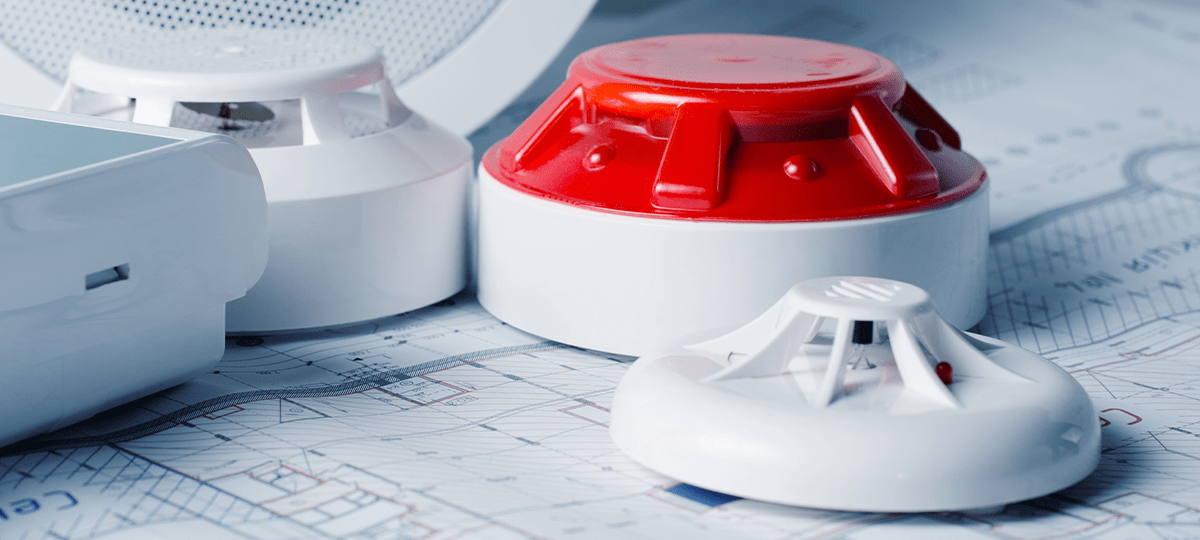
Where Should Smoke Detectors Be Placed?
Smoke Detector Placement Fire can spread extremely fast. In just minutes, a building can be fully engulfed in flames. Smoke detectors are critical to give people inside homes and commercial buildings early warnings so they have time to get out. Proper smoke detector placement is also key when it comes to keeping your home or business safe. Residential Smoke Detector Placements At a minimum, The National Fire Protection…

Fire Safety Procedures for the Workplace
The bad news—a fire breaks out in your workplace. The good news—you are ready because you have done your homework and prepared for the possibility of an emergency. Emergency Action Plan The Occupational Safety and Health Administration (OSHA) requires most employers to have an emergency action plan for various scenarios, including fires in the workplace. There are…
What is an Emergency Action Plan?
The purpose of an Emergency Action Plan is to inform employees of what actions they should take if an emergency occurs at work. It’s required by the Occupational Safety and Health Administration (OSHA), and it can be critical in preventing the loss of property, or lives, in a crisis. If an emergency alarm went off…
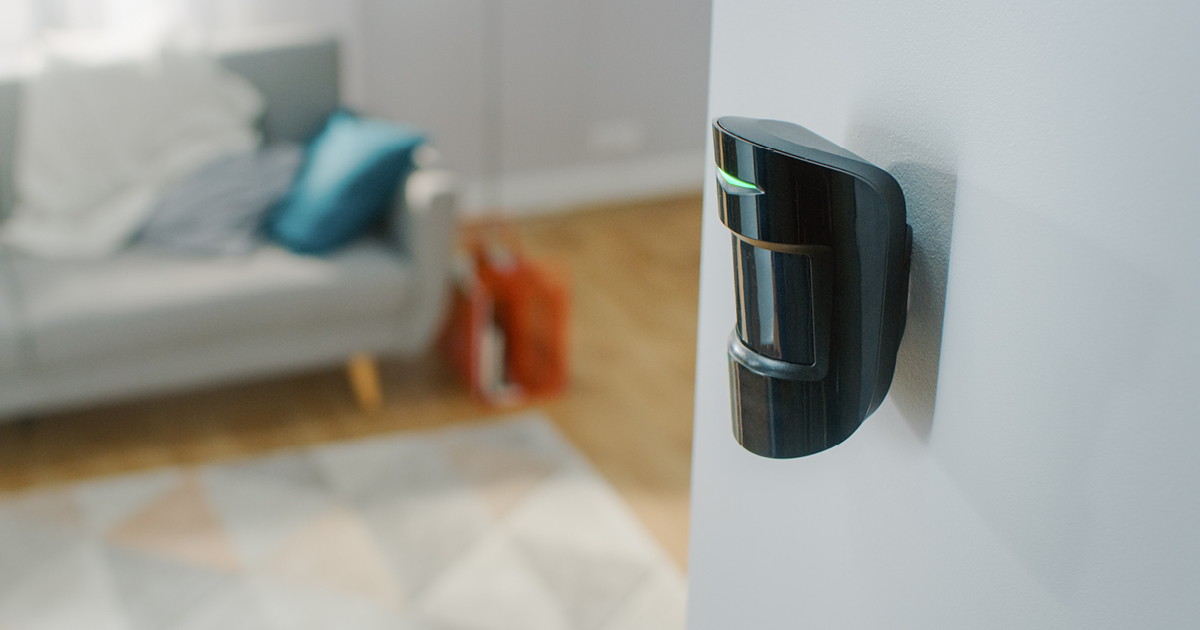
Where Should Window and Motion Sensors be Placed?
Motion and window sensors are basic parts of a security system in both residential and business applications. The expert security team at FSS Technologies has helped thousands of business and property owners stay safe with these tools. Sensors A motion sensor allows a system to detect movement, using waves or light to determine if someone or…