How Your Internet Speed Affects Your Security System
Internet speed is a precious commodity in today’s connected homes. Internet speed is responsible for how quickly or slowly data moves from the internet to the application on your computer.
Things like your mobile phone, television, computer, gaming system, and even appliances use the internet. And your home security system probably does too. The average family household could have three to four smartphones, a couple of televisions, Bluetooth speakers, multiple computers, and maybe a gaming console all using internet bandwidth at the same time!
Measuring Internet Speed
Internet speed is measured in units called megabits per second (Mbps). Megabits per second is defined as how many bits of data travel to and from your home each second.
1 Mbps = 1 million bits of data per second
This is not to be confused with megabytes (MB), which usually refer to the size of a specific file, not the speed it travels. There are eight bits in a single byte, which means if you want to transfer a 1MB (megabyte) size data file from your hard drive to the internet, you need an internet upload speed of at least 8 Mbps (megabits per second).
You may also have heard of gigabits.
1000 Mbps = 1 gigabit per second (Gbps, Gb/sec, or Gb/s)
Upload and Download Speeds
There are two types of internet speed that you are provided by your internet vendor—upload speed and download speed—and they are usually not the same.
Upload speed is how fast your device can send data to the internet. Download speed is how fast your device can receive data from the internet. Most residential internet providers have much faster download speeds than upload speeds because most of us are downloading music and TV shows from the internet. If you’re a gamer, however, and you frequently use cloud-sharing apps for data storage, you may want to look a little more carefully at a provider’s upload speed. In the same way, if you have home security cameras transferring data to be viewed on a smartphone app, you also need to have better upload speeds.
The FCC provides this handy broadband speed guide to help homeowners estimate what type of download speed they might need in their home, depending on what type of devices and how many devices are accessing it.
Security Components Using the Internet
Many of today’s home security systems feature components that also rely on an internet connection for transmitting data.
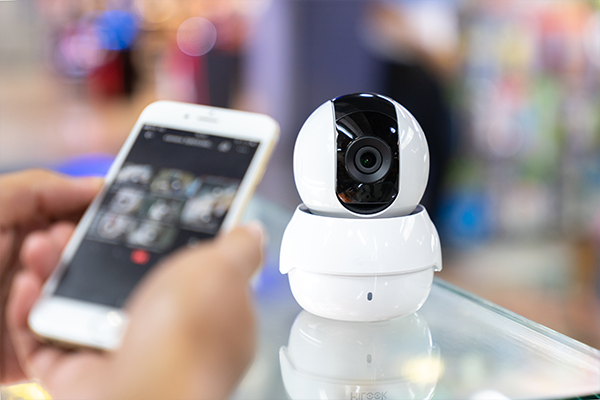
Indoor and outdoor security cameras may use your home’s Wi-Fi connection to transmit video to your smartphone or another recording device. Door and window sensors may use Wi-Fi to transmit alarm signals. Connected smoke detectors and carbon monoxide detectors can use Wi-Fi to send an email or text alert as soon as they detect smoke, even if you are not at home.
Many people think that because they have an “unlimited data” plan, it means their security system will run with ease, but that isn’t true. As we learned earlier, how much data you can transfer in MB is not the same as the speed in which that data can travel.
The reason prices go up on the internet is because what the companies are charging you for is your upload and download speeds. A typical home internet service package may come with 3 Mbps of upload speed and 25Mbps of download speed. Internet packages with more than 200 Mbps of download speed are often referred to as “fast,” and once they get above 750 Mbps of download speed, they might be called a Gigabit service.
How Much Speed Do I Need?
Is a typical home internet service package enough speed to operate all the connected devices in your home, plus your security system? If you have multiple wireless cameras operating as part of your security system, it may not.
The minimum recommended upload speed is 1Mbps for a remote connection on most security cameras. This is for a single camera. If you are using multiple cameras, you need to multiply this by the number of cameras you have. If you are using a high-definition camera, the upload speed required per camera is more like 2.5Mbps.
What happens if you don’t have the internet speed needed to support your cameras? The cameras won’t work, although there are some cameras that can also record video locally to an attached USB device or SD card so they will still record video footage without a Wi-Fi connection. But you definitely won’t be able to view the video footage on your smartphone, or you will experience extremely poor video or audio quality.
What happens if you don’t have the internet speed needed to support other components on your security system? It depends on how your system is set up. For example, if your security monitoring company uses the internet to receive alarm signals from door or window sensors, they will no longer be able to receive them. If you want to control door locks remotely from a smartphone app, you will not be able to.
Signal Strength vs. Speed
In addition to internet speed, signal strength can also be an issue for wireless security system components. You may have the speeds you need, for example, but you are still getting error messages that your video doorbell is not connected.
Two possible reasons for this are:
- The video doorbell is located too far from your internet router.
- There is some other obstruction that is preventing the internet signal coming from your router to reach the security system component it is supposed to be powering.
There are numerous ways to remedy all these issues so you can enjoy a reliable and safe home security system. Still, it is not always as easy as television commercials want you to think it is. If you are interested in talking to a professional security company about all the options available for your home, contact FSS Technologies today for a free evaluation.
Explore Our Other Blogs

7 Tips For Small Business Security
We hope it never happens to you, but workplace crime is something that all business owners should be prepared to encounter. With one-third of our life spent at work, it is an important place to secure and monitor for your safety, and that of your employees. Luckily, there are many simple, proactive steps you can…

How Do Fire Sprinkler Systems Work?
Fire sprinkler systems work by detecting heat from fires and releasing water to extinguish them. Different components work together in various configurations to boost a structure’s fire and life safety measures. Learn how a fire sprinkler system works, what your options are, and why it’s a necessary investment for your business. What are the main…
Can I Install Monitored Security in My Apartment?
The most recent FBI data estimates that there are over 1.2 million burglaries a year, resulting in around $3.4 billion in property loss. Although property crime as a whole has been on the decline, the rise in popularity of video doorbells and more comprehensive and integrated home security systems shows that Americans are no less…
FAQs About Fire Alarm Inspections
Fire alarm inspections are a critical part of protecting people, property, and business continuity. For commercial building owners, property managers, and facility teams, these inspections are not just a regulatory obligation—they are an essential safeguard that helps ensure fire alarm systems will function when they are needed most. Understanding how fire alarm inspections work, what…

DIY Security Systems
DIY home security systems have been on the market for years, offering homeowners the ability to order and install a simple-to-use system for their property. A DIY system often boasts cheap and easy security solutions for a home but are not the right fit for all homes. Cost-Benefits As with almost everything in life, cheaper isn’t…

The Risky Business of Ring’s Vulnerable Security
If you are like the rest of Americans, you have noticed that the Ring Security company has been in the news lately— and not for anything useful. Between security hacks and lawsuits, the company has landed itself in hot water. Surveillance Camera Hacks Homeowners have security cameras installed in their homes to give them peace…

Has My Home Security System Been Hacked?
With more DIY security systems than ever available with the touch of a button, families around the world are choosing to protect their homes with easy to install cameras and alarms. The expert team at FSS Technologies aims to help homeowners make the right choice for their families when selecting a home security system. A…
What Are Fire Alarm System Zones?
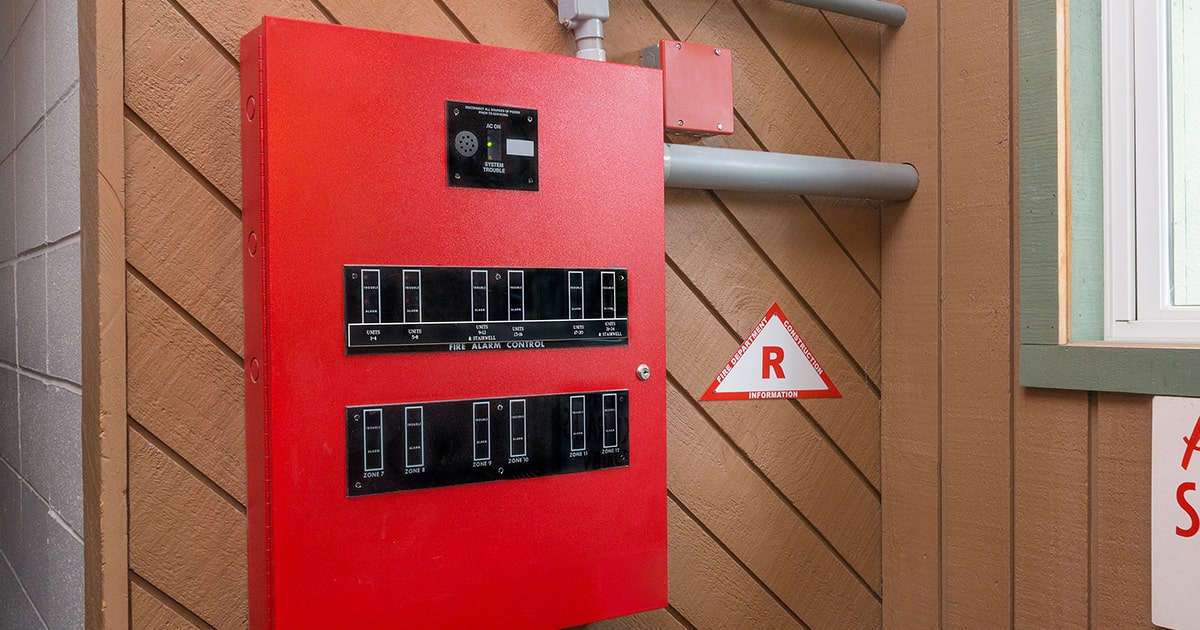
Fire alarm zones are standard in conventional fire panels. Each zone represents a different area in the building to help firefighters and professionals pinpoint the source of an alarm. However, it can be confusing to research fire alarm zones because they are not as common as they once were. Conventional and addressable systems handle communication for fire…

The Cost of Alarm Monitoring vs. the Cost of a Break-In
Property crime in the United States is costly. According to the FBI’s Uniform Crime Reporting (UCR) program, property crimes in 2018 resulted in an estimated $16.4 billion of losses. The Cost of Crime Larceny-theft is the most common of all property crimes, accounting for 73.4 percent. Larceny-theft is defined as the unlawful taking, carry, leading,…

How to Deter Burglars
While owning a home security system automatically decreases your chances of being burglarized, there are many common mistakes and oversights that can compromise its reliability. Here are the most important safety precautions you can take in conjunction with your security system to ensure your home is safe from thieves. Create the Illusion that Someone is…