4 Questions & Answers about Smart Home Devices
Smart Home Technology
Let’s face it; we are in love with our smartphones. According to Pew Research Center, more than 81% of Americans now own one; that is up from just 35% in 2011.
With so much power in the palm of our hand, it’s not surprising that we want to use our smartphone for much more than watching hilarious cat videos and chatting with our friends.
Smart home devices make it possible for us to take that next step into a brave new world of automation and artificial intelligence, using our smartphone to control almost anything.
A smart home device connects to a network in your home so it can operate and interact with you and other devices in your home remotely.
Here are some examples of smart home devices that are popular today and can be controlled from a tap on our phone to the sound of our voice.
- Televisions
- Refrigerators
- Blinds
- Speakers
- Lights
- Security cameras
- Alarm systems
- Ovens
- Coffee makers
- Outlets
- Water shutoff valves
With advances in technology coming fast and furiously, most homeowners have lots of questions about these newfangled devices, especially when it comes to security.
Research from Consumers International and the Internet Society found that 63% of people surveyed found connected devices “creepy” in the way they collect data about people and their behaviors.

A. Learn how to adapt and adjust your device settings. Most people are aware of how to set and reset passwords for their devices, but did you know that most reputable smart home devices have ways to disable the collection of data about users and their behaviors? Read the manufacturer’s instructions carefully, particularly when it comes to data collection and how your data will be used once they collect it.
A. First, make sure you protect your network. Purchase a router from a reputable brand and change the name of the network and the default password. Choose your password carefully! Don’t choose passwords that give away your location or personal details. Many routers allow you to set up multiple networks throughout your home. You can have one network that guests in your home use, one network that your smart home devices communicate through, and one that you use for sensitive transactions, such as your online banking.
Next, make sure you set complicated passwords that are not easily guessed and contain several characters, numbers, and letters. Invest in a password management software if you need to keep everything straight.
Finally, be sure to register every new device you purchase with the manufacturer. This way, you will be immediately alerted to newfound bugs and security concerns. You’ll also be among the first to receive software updates and patches to prevent access by hackers.
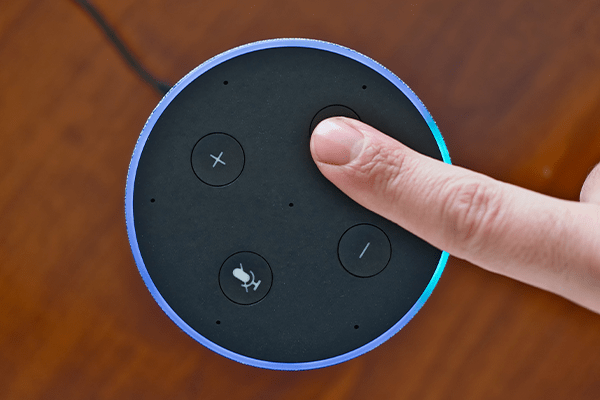
A. Yes, although most homeowners only reboot their devices when there is a problem, security experts recommend restarting equipment regularly, as often as once a week. If there are new security or privacy settings, they will download during the reboot.
A. This personal device now contains personal information like your network password and your device password. Follow the manufacturer’s instructions and do a factory reset on your device to ensure the device isn’t storing sensitive information on an internal hard drive or through the app you used to control it.
- Use multi-factor authentication on devices, apps, email, and websites. This step prompts you with an additional question or sends a unique code to your cell phone, ensuring the right person is logging in.
- Avoid using your smart home device apps on public Wi-Fi networks.
- Install malware on your computers, tablets, and mobile devices.
Working with a professional installer is also highly recommended. Professional installers can handle any necessary hardwiring for you, as well as answer your questions on advanced security measures.
Explore Our Other Blogs
Who Owns ADT Alarm Systems After Install?
You’ve paid to have an alarm system installed in your home. Do you own the equipment? Most likely, but not yet if you contracted with a big-box home security company like ADT. Payment Plans for Equipment Most people sign up on special offers in which they will pay an installation fee for the equipment, but…
What to Know About Smart Locks
Smart locks have been on the market for several years and continually gain features as technology advances. Learn how useful they can be and how to find the best option for your home or business. What’s a smart lock? Smart locks are door locks controlled digitally. These locks can be monitored and controlled by an…
Where Should Smoke Detectors Be Placed?
Smoke Detector Placement Fire can spread extremely fast. In just minutes, a building can be fully engulfed in flames. Smoke detectors are critical to give people inside homes and commercial buildings early warnings so they have time to get out. Proper smoke detector placement is also key when it comes to keeping your home or business safe. Residential Smoke Detector Placements At a minimum, The National Fire Protection…
Where Should Security Cameras Be Installed in a Business?
Security camera placement in a business needs to be strategically decided based on several important factors. Areas that store valuables, have high foot traffic, and enable access to your building should be some of the essential locations. Learn more about what kinds of security cameras you can use and where they should be installed in…
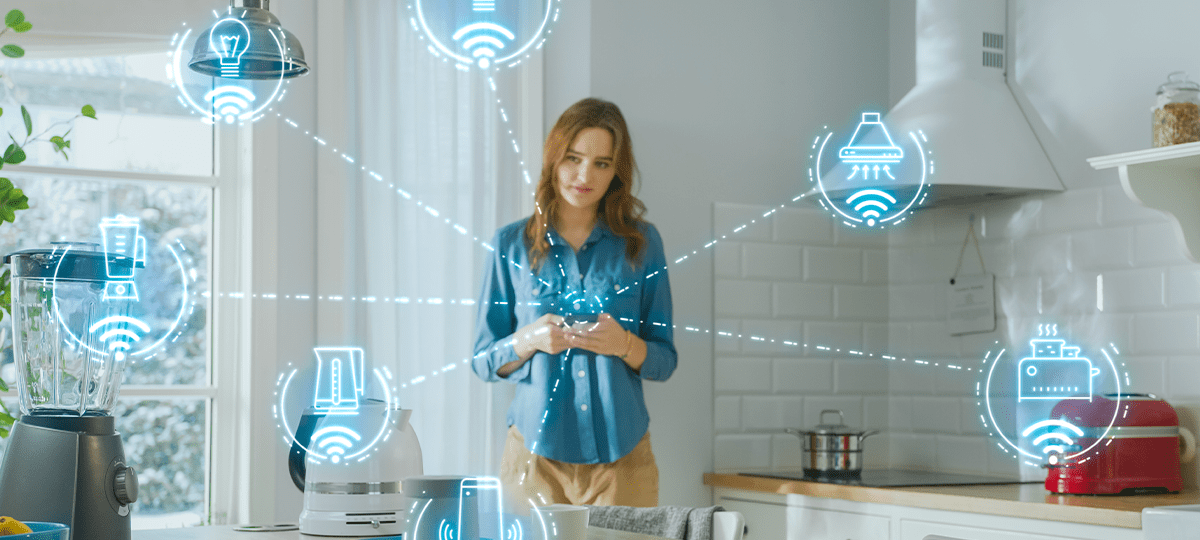
4 Questions & Answers about Smart Home Devices
Smart Home Technology Let’s face it; we are in love with our smartphones. According to Pew Research Center, more than 81% of Americans now own one; that is up from just 35% in 2011. With so much power in the palm of our hand, it’s not surprising that we want to use our smartphone for…
7 NFPA Codes Every Business Should Know
Business owners have an enormous responsibility to ensure their employees and customers are protected from fire hazards. Companies in industries like manufacturing and property management each face unique challenges in preventing fires and meeting code requirements. The National Fire Protection Association (NFPA), one of the world’s leading experts in fire and life safety, has published…
Can You Get in Trouble for Breaking into Your Own House?
Is it legal for you to break into your own house? Yes, you can get in trouble for breaking into your own house—at least temporarily. If the police are notified that there is a break-in at a residence, either by a neighbor or a security alarm, they can detain or arrest you until you can…
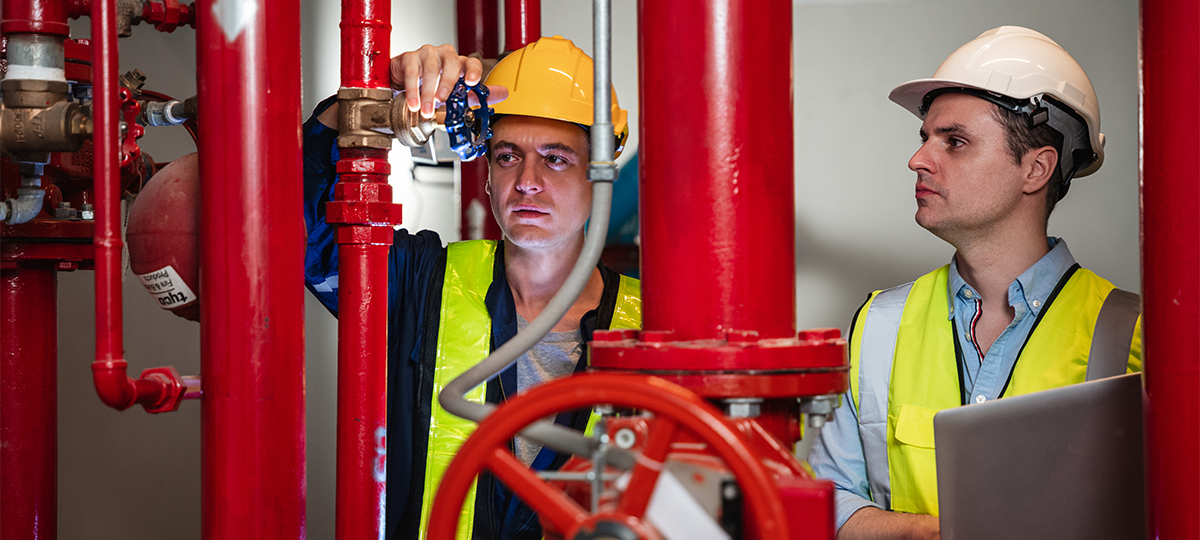
Types of Fire Suppression Systems
Fire suppression is one of the most important layers in a commercial building’s life safety plan because it is designed to control a hazard early, often before conditions spread beyond the point where occupants or staff can safely intervene. That matters for more than just damage control—it affects potential interruptions, compliance issues, and emergency performance….
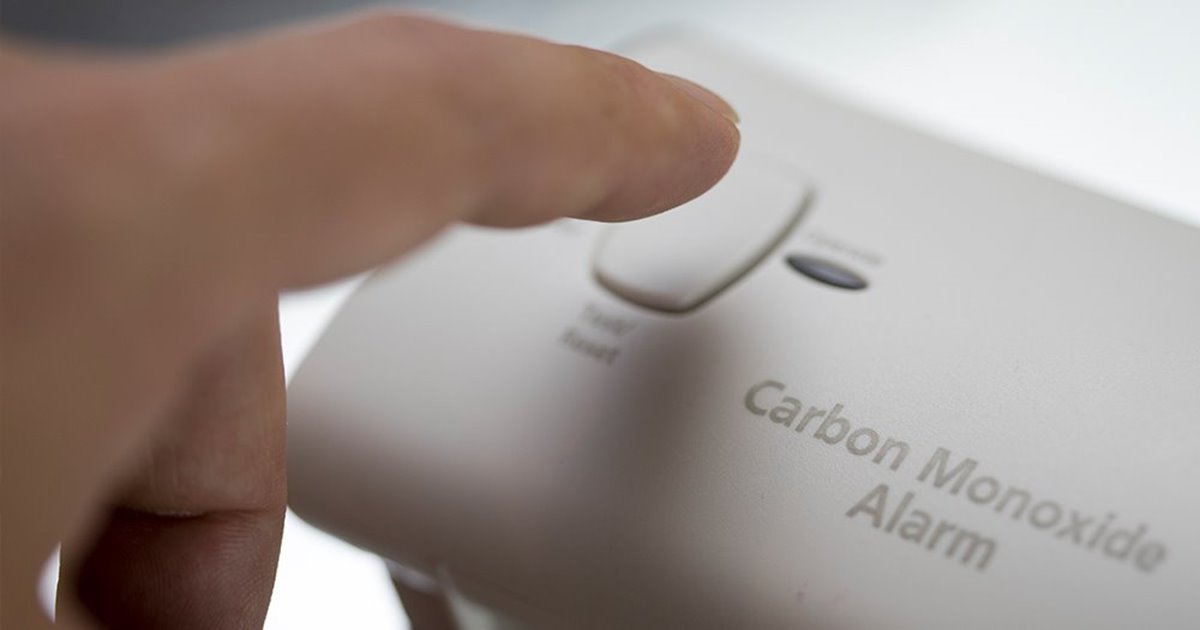
Everything You Need to Know About Carbon Monoxide Detectors
What is a Carbon Monoxide Detector? Carbon monoxide (CO) is a colorless, odorless, and tasteless gas or liquid that is poisonous to humans. Detectors are designed to identify carbon monoxide leaks and warn those in your home or business. This advanced warning can save lives as it allows you to get outside as fast as…
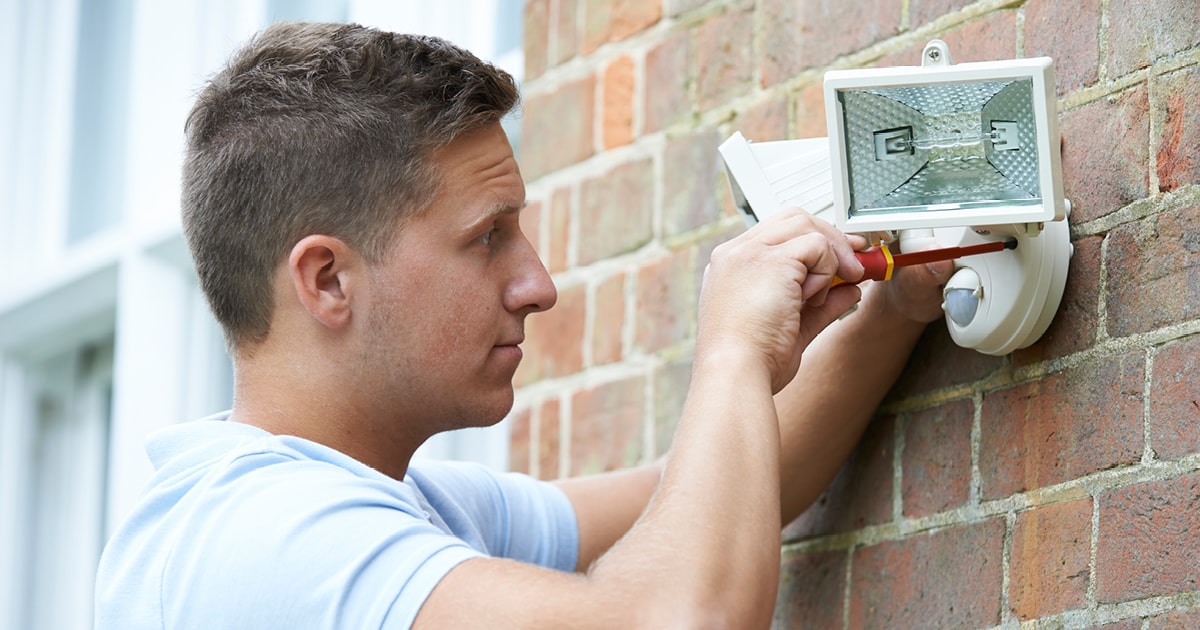
3 Types of Security Lights
Your security system is only useful if you can see what is going on when you can’t be there. This also means that when it gets dark, your cameras need to be able to capture the image clearly. To do this past dusk will require that you set up security lighting. Additionally, check out the…